Tap to Pay on iPhone
Accept contactless payments on your iPhone.
With Tap to Pay on iPhone, you can accept in-person, contactless payments on your iPhone. There’s no need for additional card readers or terminals. All you need is your iPhone and the Lumbus Pay app.

It’s easy to use.
Tap to Pay on iPhone works with physical debit and credit cards, as well as Apple Pay and other digital wallets. Just open the Lumbus Pay app and present your iPhone to the customer.
- 1Open the Lumbus Pay app on your iPhone, and enter the amount.
- 2Present your iPhone to the customer.
- 3Your customer holds their card horizontally or their device over the contactless symbol at the top of your iPhone for a few seconds.
- 4When you see the Done tick, the card read is complete and the transaction is being processed.
Do business in more places.
With Tap to Pay on iPhone, you can accept all types of in-person, contactless payments on your iPhone so you can reach more customers, take payments on the go, and explore new ways of working to help reduce queues.
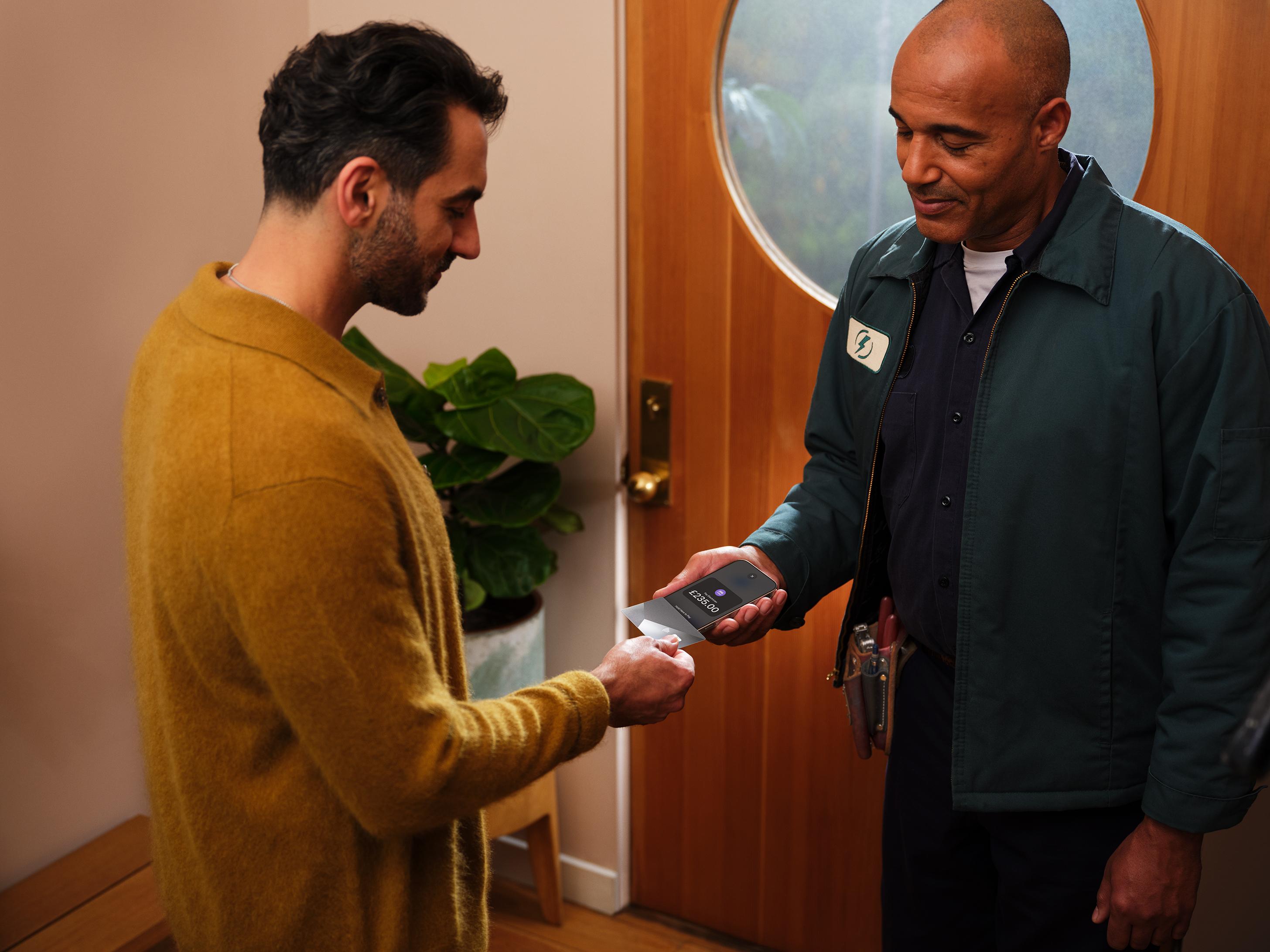
No additional hardware required.
Tap to Pay on iPhone is easy to set up and use. No card readers or terminals required.

Privacy and security of iPhone built in.
Tap to Pay on iPhone uses the built-in security and privacy features of iPhone to help protect your business and customer data. When a payment is processed, Apple doesn’t store card numbers or PIN information on Apple servers. So merchants and customers can rest assured that their data stays theirs.*
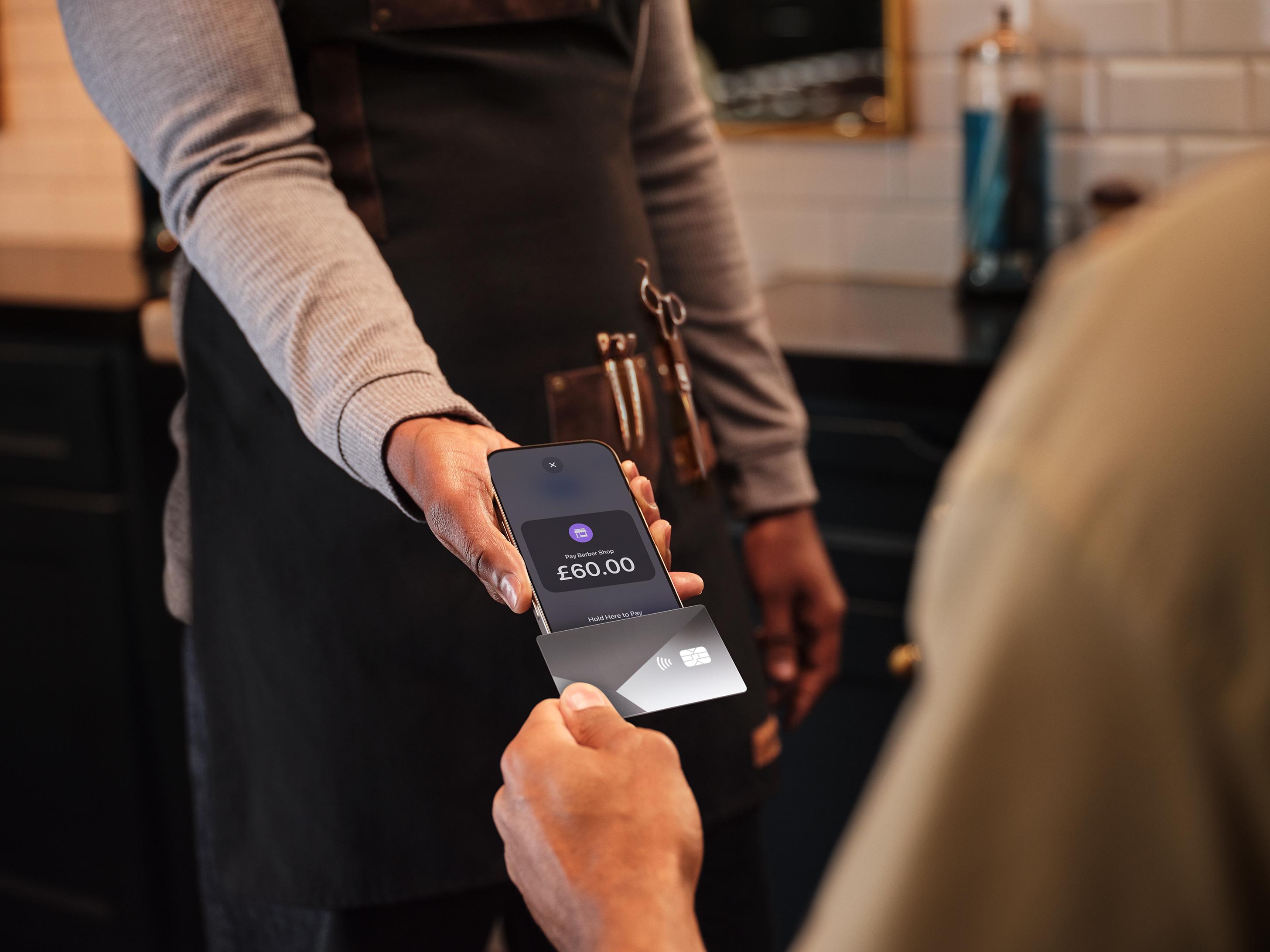
Getting started is easy.
To use Tap to Pay on iPhone, simply download the Lumbus Pay app, sign up, and start accepting in-person, contactless payments anytime, anywhere on your iPhone.
Tap to Pay on iPhone requires a supported payment app and the latest version of iOS. Update to the latest version by going to Settings > General > Software Update. Some contactless cards may not be accepted by your payment app. Transaction limits may apply. Tap to Pay on iPhone is not available in all markets. For Tap to Pay on iPhone countries and regions, see https://developer.apple.com/tap-to-pay/regions/.
*Encrypted card numbers are temporarily stored on iPhone only for transactions made in Store and Forward mode.
The Contactless Symbol is a trademark owned by and used with permission of EMVCo, LLC.